How it works
There are two ways to remove a background with nobg. The free tool runs on your own device. The API and bulk removal run on our servers.

01Your photo
Any JPG, PNG or WEBP.
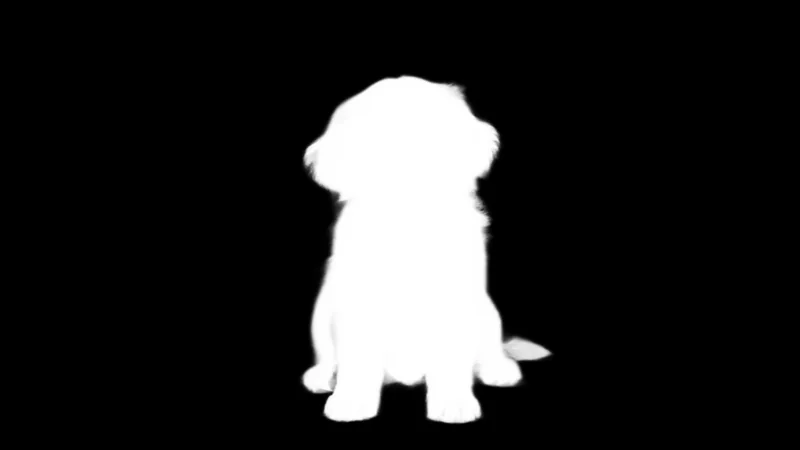
02The mask
The model scores every pixel: white is the subject, black is background.
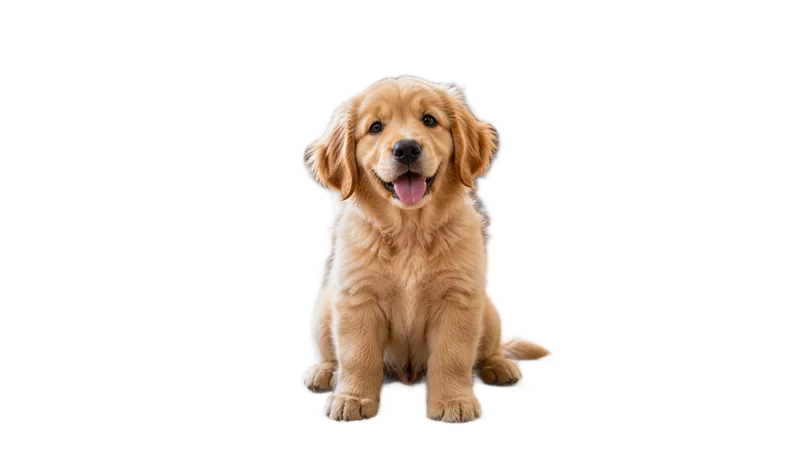
03The cut-out
The mask becomes transparency, at full resolution.
In your browser
What happens when you use the free tool on this site.
- 01
The model downloads once
The first time you remove a background, your browser downloads the AI model and keeps it in its cache. That first run takes a few extra seconds; after that it starts right away.
- 02
It runs on your device
The model runs with WebAssembly, the same technology that lets apps like Figma run in a browser. Your photo is read from memory and never sent anywhere.
- 03
You get a transparent PNG
The model marks which pixels belong to the subject. Everything else becomes transparent, at the same resolution as your photo. If an edge is off, fix it in the editor.
On our servers
The API and bulk removal use a larger model on GPUs, so speed doesn't depend on your device.
| Free tool | API & bulk | |
|---|---|---|
| Where it runs | Your browser | Our GPUs |
| Model | ISNet (open source) | BiRefNet |
| Your photos | Never leave your device | Processed in memory, never stored |
| Price | Free | $0.01 per image |
| Best for | One image at a time | Apps, and folders of up to 500 images |
Try it on a photo
Free, no account, nothing uploaded.