Manual background remover
Erase a background by hand with a brush, for photos where you want full control. Free, and your photo stays on your device.
Upload image
Or drop a file here
PNG, JPG and WEBP
Want it done automatically? Use the AI remover
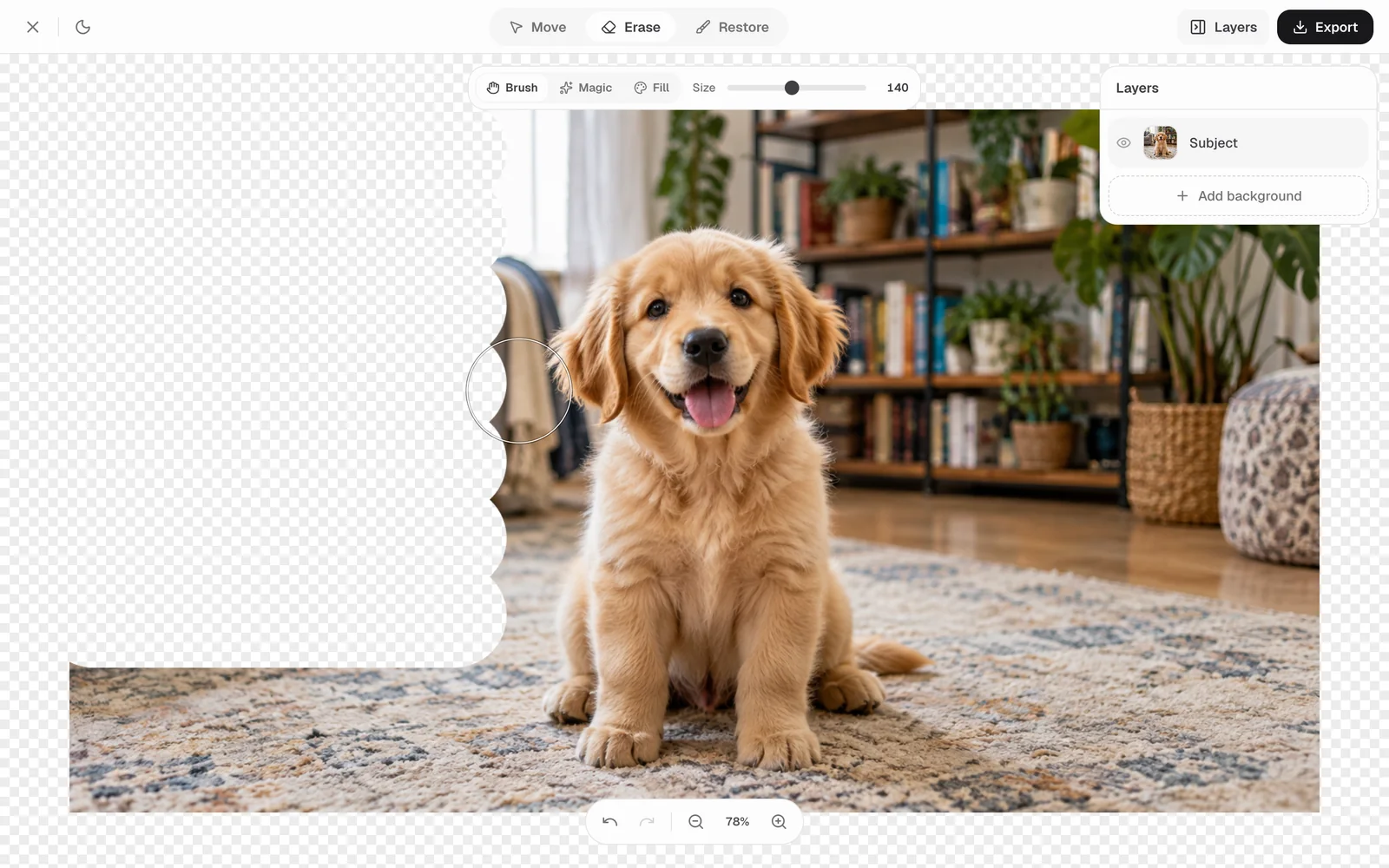
The tools
- Eraser
- Paint over the background to remove it. Change the brush size for big areas or fine edges.
- Restore brush
- Erased too much? Paint it back from the original photo.
- Zoom and pan
- Zoom in to clean up small details like hair and corners.
How to erase a background by hand
- 01
Upload your photo
Pick a JPG, PNG or WEBP. It opens in the editor in your browser.
- 02
Brush away the background
Set the brush size, then paint over everything you want gone.
- 03
Download the PNG
Save the result as a PNG with a transparent background.
Questions
Something else? Get in touch.
Yes. Use undo, or switch to the restore brush and paint the area back from the original photo.